1. Export
Prepare one representative month in a structured Excel or CSV file. Sensitive details may be removed or replaced before review.
Use information from the spreadsheet system you already maintain. Map supported fields into a stable import layout, validate the totals, and review the result in a personal Command Center view.
Explore CCS digital tools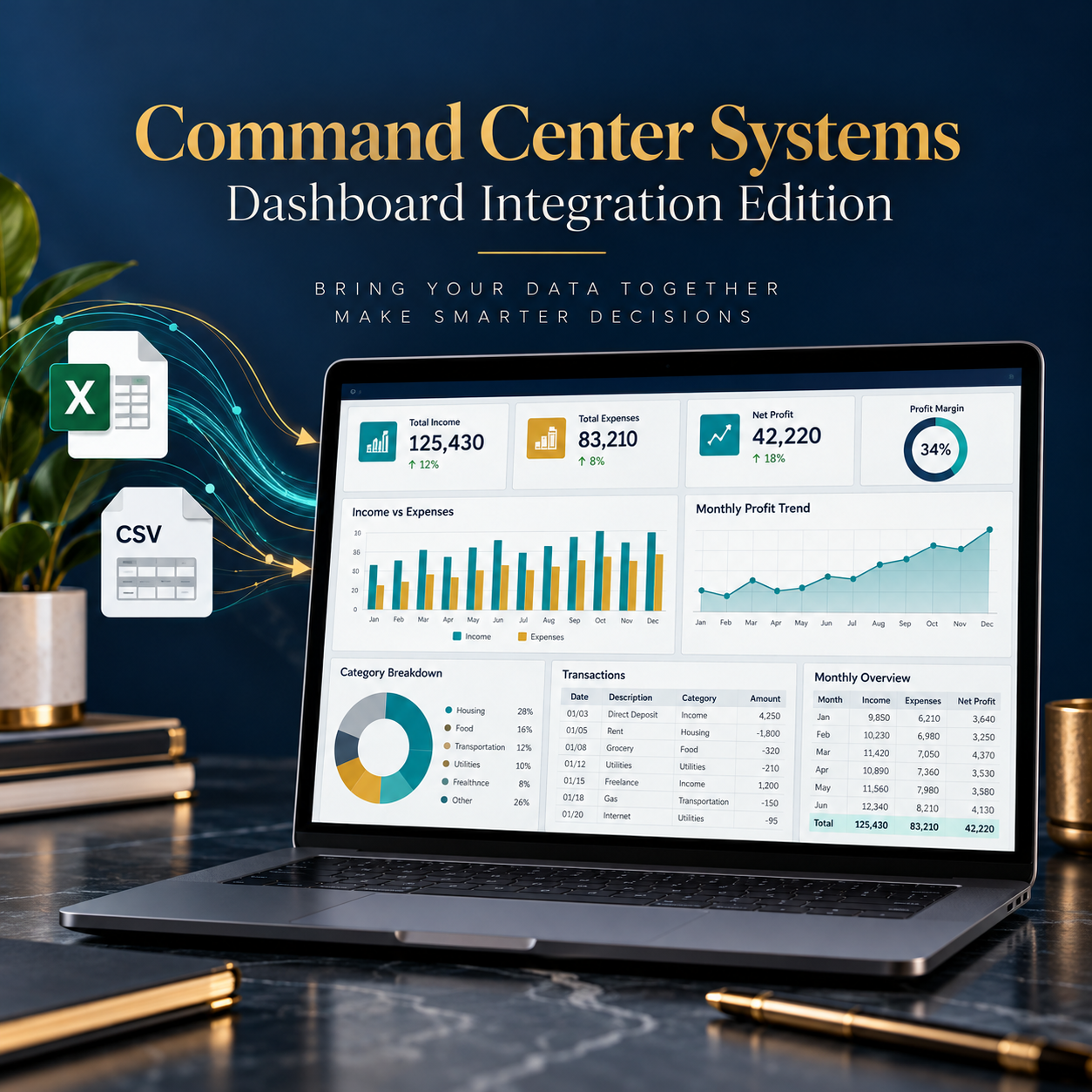
Prepare one representative month in a structured Excel or CSV file. Sensitive details may be removed or replaced before review.
Match the source columns to the supported Date, Type, Amount, Category, Status, and Notes fields.
Compare income, expense, and row-count totals with the original source. Investigate any failed check before using the Dashboard.
Use the Dashboard to see the mapped monthly picture. Repeat the validation step after every customer-controlled refresh.
The demonstration adds a $200 auto-repair expense to the imported source data. Monthly expenses move from $1,070 to $1,270, while net cash flow moves from $1,930 to $1,730. The original customer file remains authoritative.
Best for one consistent Excel or CSV source, a defined set of fields, customer-controlled refreshes, and validation before review.
Required for APIs, databases, bank feeds, multiple sources, cloud connections, or automatic background updates.
The Dashboard Integration Edition supports organization and review. It does not provide financial, legal, tax, accounting, or investment advice.
A focused sample makes it possible to confirm field compatibility before expanding the system. Visit the CCS digital tools page to see the complete product family.
View the Command Center tools